
A website can have great content and strong backlinks and still fail to rank.
Why?
Because technical SEO issues silently block rankings.
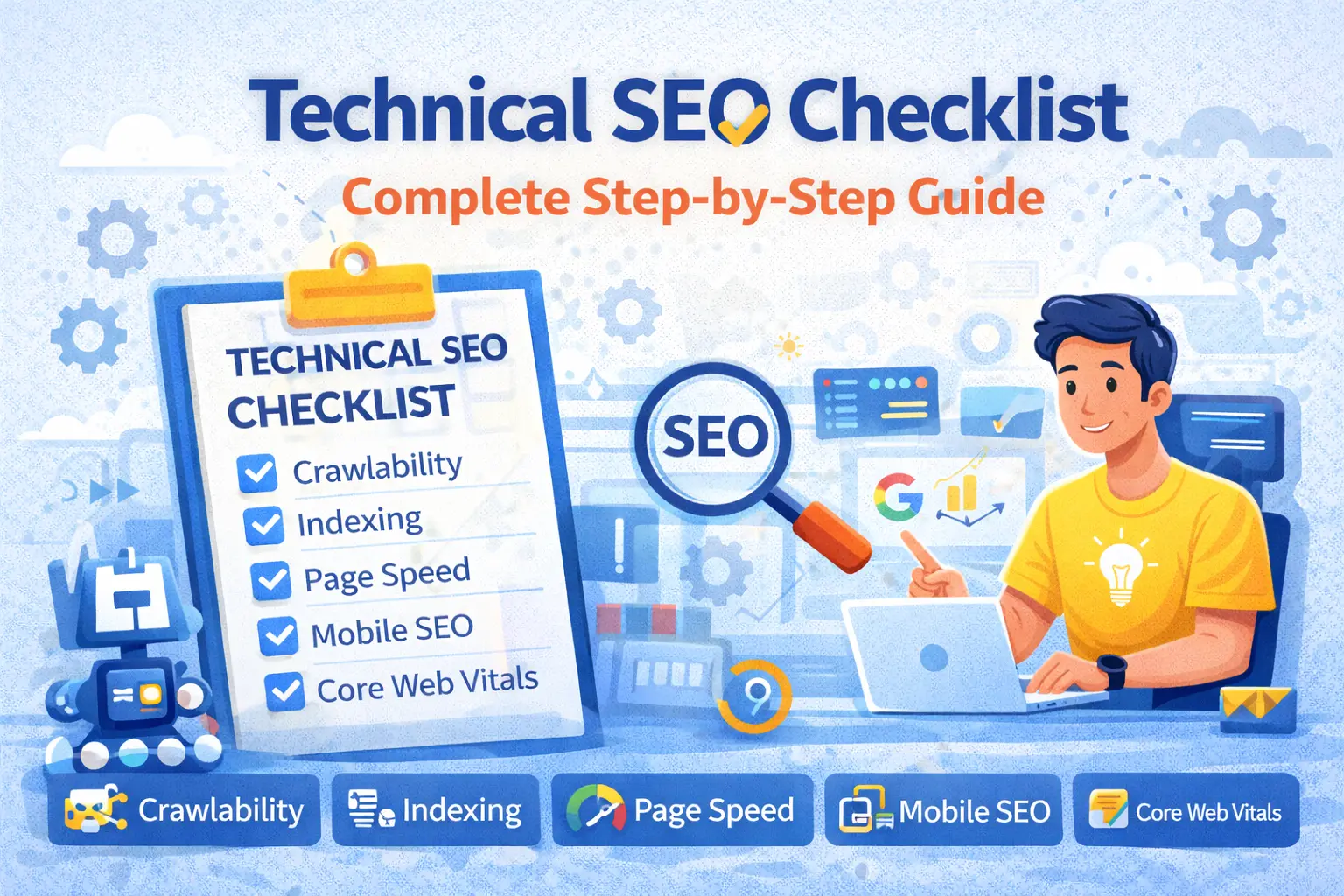
A proper technical SEO checklist ensures that search engines can crawl, index, render, and rank your website efficiently. Without it, even the best SEO strategies collapse.
This complete step-by-step guide will help you:
Identify critical technical SEO issues
Perform a professional website audit
Fix problems that impact rankings
Prepare for SEO interviews & client audits
What Is a Technical SEO Checklist?
A technical SEO checklist is a structured list of technical factors that must be optimized so search engines can properly access and evaluate a website.
According to Google Search Central, technical SEO focuses on:
Crawlability
Indexability
Site performance
Mobile usability
Website architecture
Reference:
https://developers.google.com/search/docs/fundamentals/seo-starter-guide
Why a Technical SEO Checklist Is Critical for Rankings
Google’s algorithms cannot rank pages they:
Cannot crawl
Cannot index
Cannot render properly
Technical SEO directly affects:
Organic visibility
Crawl budget efficiency
Page experience signals
Ranking stability
That’s why every SEO audit starts with a technical SEO checklist.
Complete Technical SEO Checklist (Step-by-Step)
STEP 1: Crawlability Checklist
Search engines must be able to crawl your website before anything else.
1. Check Robots.txt File
Robots.txt controls which pages bots can crawl.
Audit Checklist:
Robots.txt exists (example.com/robots.txt)
Important pages are NOT blocked
No accidental
Disallow: /
🔗 Google reference:
https://developers.google.com/search/docs/crawling-indexing/robots/intro
2. Check Crawl Errors in Google Search Console
Where to check:
Google Search Console → Pages → “Not Indexed” reasons
Common crawl issues:
Server errors (5xx)
Soft 404s
Blocked URLs
3. Optimize Crawl Budget (For Large Sites)
Crawl budget matters for:
Large websites
E-commerce platforms
News portals
🔗 Google explanation:
https://developers.google.com/search/docs/crawling-indexing/large-site-managing-crawl-budget
Checklist:
Remove low-value pages
Fix duplicate URLs
Improve internal linking
STEP 2: Indexing Checklist
Crawled pages must be indexed to appear in Google.
4. Check Index Coverage Status
Audit Checklist:
Pages indexed vs submitted
Excluded URLs reasons
Duplicate without canonical
Use:
Google Search Console → Pages report
URL Inspection tool
5. Noindex Tag Review
Incorrect noindex tags can kill rankings.
Audit Checklist:
Noindex used only where required
No important pages blocked
Check via source code & SEO tools
6. Canonical Tag Implementation
Canonical tags prevent duplicate content issues.
🔗 Google reference:
https://developers.google.com/search/docs/crawling-indexing/consolidate-duplicate-urls
Checklist:
Self-referencing canonicals
Correct canonical URLs
No conflicting signals
STEP 3: URL Structure Checklist
Clean URLs help both users and search engines.
🔗 Google URL best practices:
https://developers.google.com/search/docs/crawling-indexing/url-structure
Checklist:
Short & descriptive URLs
No unnecessary parameters
Hyphen-separated words
HTTPS URLs only
STEP 4: Website Architecture & Internal Linking
Site structure affects crawl depth and authority flow.
7. Logical Website Structure
Ideal structure:
Homepage
├── Category
│ ├── Subcategory
│ │ └── Page
Checklist:
Important pages within 3 clicks
Clear hierarchy
No orphan pages
8. Internal Linking Audit
Checklist:
Contextual internal links
Descriptive anchor text
Important pages linked frequently
STEP 5: Page Speed & Core Web Vitals
Page experience is a confirmed ranking factor.
🔗 Google Core Web Vitals guide:
https://developers.google.com/search/docs/appearance/core-web-vitals
Core Metrics:
LCP: < 2.5s
INP: < 200ms
CLS: < 0.1
Audit Tools:
PageSpeed Insights
Lighthouse
Chrome UX Report
STEP 6: Mobile-First Indexing Checklist
Google indexes the mobile version first.
🔗 Google reference:
https://developers.google.com/search/mobile-sites/mobile-first-indexing
Checklist:
Responsive design
Same content on mobile & desktop
Fast mobile loading
Clickable elements spaced properly
STEP 7: HTTPS & Security Checklist
HTTPS is a ranking signal.
🔗 Google security reference:
https://developers.google.com/search/docs/advanced/security/https
Checklist:
HTTPS enabled
HTTP → HTTPS redirects
No mixed content issues
Valid SSL certificate
STEP 8: Structured Data (Schema) Checklist
Schema helps search engines understand content context.
🔗 Google structured data guide:
https://developers.google.com/search/docs/appearance/structured-data/intro-structured-data
Common Schema Types:
Article
FAQ
Breadcrumb
Organization
Product
Checklist:
Valid schema (Rich Results Test)
No errors or warnings
Relevant schema only
STEP 9: Duplicate Content Checklist
Duplicate content confuses search engines.
Moz reference:
https://moz.com/learn/seo/duplicate-content
Checklist:
Canonical tags applied
Parameter handling
No HTTP/HTTPS duplicates
No www/non-www duplicates
STEP 10: Error Handling & Redirects
301 Redirect Checklist
Checklist:
Use 301 for permanent changes
No redirect chains
No redirect loops
404 Error Handling
Checklist:
Custom 404 page
Redirect important broken URLs
Remove internal links to 404 pages
Technical SEO Audit Table (Quick Reference)
Area | Check | Status |
|---|---|---|
Crawlability | Robots.txt | ⬜ |
Indexing | Noindex issues | ⬜ |
Canonicals | Proper setup | ⬜ |
URLs | Clean structure | ⬜ |
Internal links | No orphan pages | ⬜ |
Page speed | CWV passed | ⬜ |
Mobile SEO | Responsive | ⬜ |
HTTPS | Secure | ⬜ |
Schema | Valid markup | ⬜ |
Errors | 404 & redirects | ⬜ |
(Perfect for client & interview audits)
Common Technical SEO Mistakes to Avoid
❌ Blocking important pages via robots.txt
❌ Forgetting mobile optimization
❌ Ignoring Core Web Vitals
❌ Duplicate URLs without canonical
❌ Broken internal links
❌ No structured data
How to Learn Technical SEO Practically (Not Just Theory)
Reading checklists helps.
Fixing real websites builds expertise.
Learn Technical SEO Practically with LearnToDigital
At LearnToDigital, students work on live technical SEO audits, not dummy examples.
What You Learn:
Complete technical SEO checklist implementation
Google Search Console & audit tools
Core Web Vitals optimization
Crawl & indexing fixes
Interview-ready SEO skills
Why LearnToDigital?
Hands-on projects
Industry-aligned curriculum
Job & freelance readiness
Beginner-friendly teaching
Don’t just follow a checklist learn how to fix issues confidently.
Final Thoughts
A technical SEO checklist is not optional it’s foundational.
When technical SEO is strong:
Pages index faster
Rankings stabilize
SEO efforts scale
Every successful SEO strategy starts with technical excellence.