
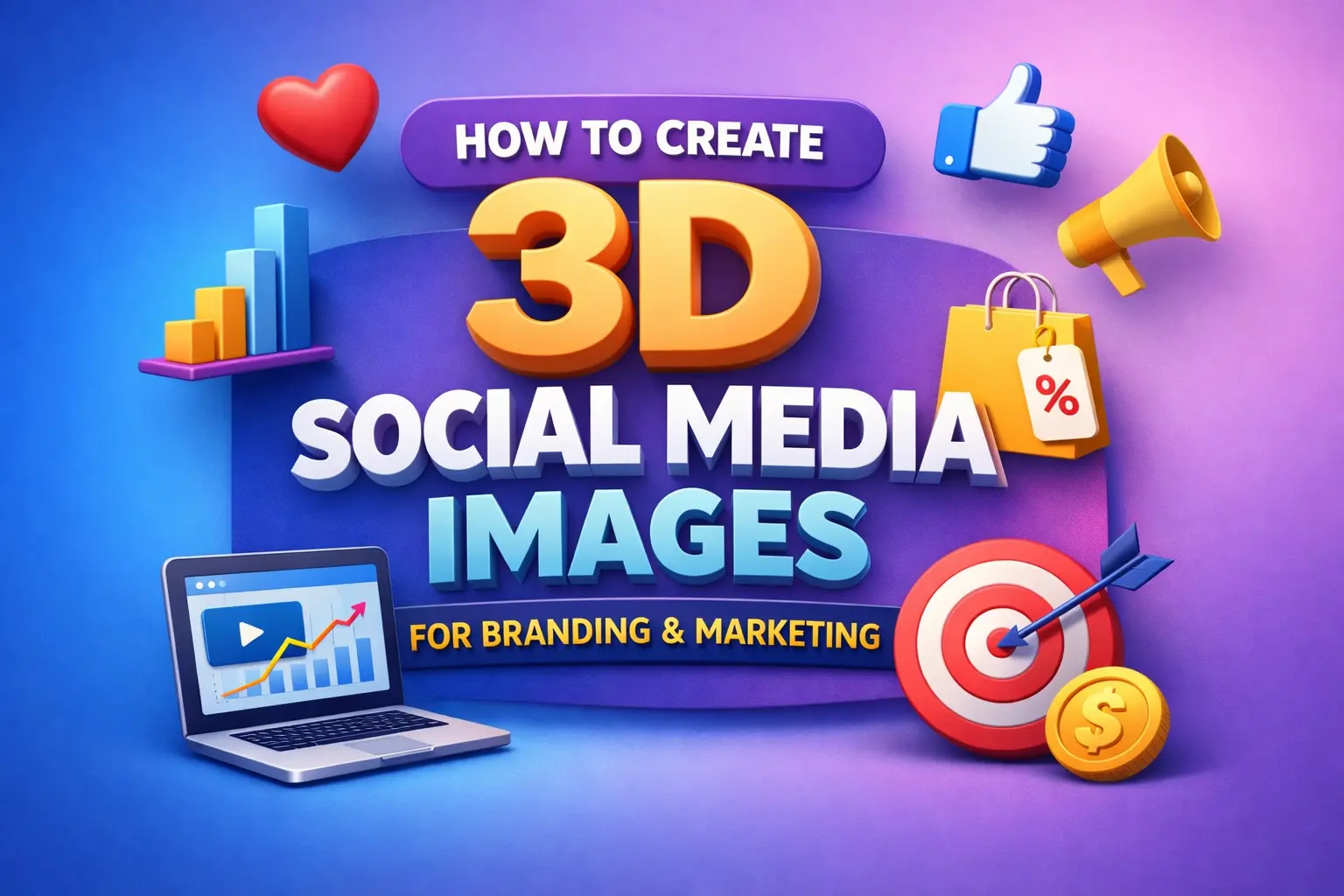
Why 3D Social Media Images Are Non-Negotiable in 2026
Social media is more competitive than ever. Scroll-stopping visuals aren’t optional they’re required if you want:
✅ Increased engagement
✅ Better ad performance
✅ Higher brand recall
✅ Elevated brand perception
Flat 2D graphics are quickly becoming outdated. With the explosion of AR, reels, shorts, and dynamic storytelling formats, 3D social media images offer visual depth that draws the eye and strengthens message retention.
In this guide, you’ll learn:
What 3D images are and why they work
Tools (free + paid + AI)
Step-by-step creation process
Branding principles + marketing strategy
Mistakes to avoid
Pro export settings
Let’s design like the pros.
What Exactly Are 3D Social Media Images?
3D social media images use:
📌 Depth
📌 Shadows
📌 Lighting gradients
📌 Perspective
📌 Layer separation
…to give graphics a three-dimensional look.
Where typical graphics feel flat, 3D visuals feel:
✔ Realistic
✔ Tactile
✔ Premium
✔ Attention-grabbing
You’ve probably seen them in:
Cinematic ads
Product promotion posts
Isometric illustrations
Floating text designs
Here’s the key:
3D is not just style it’s psychology.
Humans pay attention to depth because it mimics the real world. When something looks real, it gets more engagement.
Why 3D Social Media Images Work So Well for Branding & Marketing
1. Create Scroll-Stopping Visuals
The brain processes visuals 60,000× faster than text. 3D adds depth - and depth attracts eyes.
2. Enhance Brand Authority
Dimensional visuals = premium perception. Brands that look premium convert better.
3. Better Storytelling
Layered visuals help you guide attention:
👉 Primary message
👉 Secondary info
👉 CTA
4. Higher CTR on Ads
Ads with realistic shadow and light cues outperform flat graphics in most verticals.
5. Better Product Visualization
For e-commerce, coaching, SaaS, or courses 3D lets audiences almost touch the product.
3D Design Tools You Can Use in 2026
Tool | Best For | Skill Level |
|---|---|---|
Adobe Photoshop | True 3D & professional effects | Advanced |
Canva | Quick 3D-like designs | Beginner to Intermediate |
Blender | Full 3D modeling & rendering | Expert |
Figma | Isometric & layered depth | Intermediate |
Midjourney | AI 3D concept images | Creative / Fast |
How to Create 3D Social Media Images
We’ll walk through two workflows:
Workflow A: Traditional Design (Photoshop/Canva)
Step 1: Set Your Canvas
Recommended sizes:
Instagram: 1080 × 1080 px
Reels cover: 1080 × 1920 px
LinkedIn: 1200 × 1200 px
Create a color background with a subtle gradient gradients add depth.
Step 2: Layer Your Content for Depth
Depth Tip:
🔹 Place your main subject on top
🔹 Add mid-layers for supporting elements
🔹 Background elements last
Example:
Background gradient
Faint shape in back
Main product in center
Text + CTAs on top
Step 3: Add Realistic Shadows & Highlights
Shadows create the illusion of height.
✔ Use soft drop shadows
✔ Adjust opacity between 20–50%
✔ Direction matters - make one light source
In Photoshop:
➡ Select new layer
➡ Fill with black
➡ Blur with Gaussian Blur
➡ Lower opacity
In Canva:
➡ Use Shadow Effect
➡ Set offset + blur
Step 4: Create 3D Text (Simple Method)
In Photoshop:
➡ Type Text
➡ Duplicate the layer
➡ Shift lower slightly
➡ Change color to darker shade
➡ Repeat 5–10 times for depth illusion
In Canva:
➡ Use “Lift” + “Shadow” effect
➡ Change angle direction
Step 5: Add Gradient Lighting
Add 1–2 subtle gradient light overlays. This helps the graphic feel real.
Example:
Light teal on top left
Subtle orange rim light on the right
Gradients communicate lighting direction + realism.
Step 6: Add Your Logo & Brand Colors
Your 3D image must align with your brand:
✨ Use your brand palette
✨ Keep typography consistent
This reinforces trust and recognition.
Workflow B: AI-Powered 3D Images (Fastest Method)
AI is reshaping digital visuals.
How to Use Midjourney / DALL·E for 3D Social Media
Prompt structure:
“3D digital marketing Instagram post, floating product mockup, premium lighting, realistic shadows, high detail, depth effect, brand colors: [your brand hex codes]”AI output → Download → Edit branding in Canva/Photoshop → Add CTA.
This method turns design time from 90 minutes to 10 minutes.
Exact 3D Design Styles You Can Use in Your Marketing
1. Floating Product Mockup
Great for:
Software mockups
eBooks
Visual Style:
🟦 3D floating object
⬛ Subtle shadow
🔳 Soft lighting
2. 3D Text Hero Image
Great for:
Quotes
Headlines
Offers
Technique:
➡ Use depth layers
➡ Add outline glow or reflection
3. Isometric Layered Design
Best for:
Explainers
Service breakdowns
Create a grid → Place elements in perspective → Add depth shadows.
Export Settings That Get Growth
Quality settings matter.
✔ PNG - best for social
✔ JPEG - best for ads
✔ 72–150 DPI - web optimized
✔ 300 DPI - print
Save multiple resolutions:
Standard (1080)
High-resolution (2048)
Branding Best Practices With 3D Social Media Images
🟢 Keep lighting consistent across posts
🟢 Don’t overuse effects (simplicity still wins)
🟢 Align visuals with your brand voice
🟢 Use consistent typography
Pro Marketing Tips Using 3D Images
1. Use 3D Creatives in Ads
Ads with depth convert better due to visual engagement.
2. Use Depth to Guide Attention
Always position CTA where the viewer’s eye lands first.
3. Combine with Motion
3D + animation = massive engagement.
4. Series Posts
Create a visual theme:
Post 1 → Depth intro
Post 2 → Deeper info
Post 3 → CTA
Common Mistakes to Avoid (and How to Fix Them)
❌ Too many shadows
✔ Fix: Use 1–2 shadow layers only
❌ Inconsistent lighting
✔ Fix: Pick and stick to one light source
❌ Cluttered design
✔ Fix: Use white space strategically
❌ Wrong export size
✔ Fix: Always export at recommended platform size
Example 3D Social Media Design Processes (Case Studies)
Case Study 1 - Product Launch
Goal → Sell a new course module
Process:
📌 3D floating product mockup
📌 Clean gradient background
📌 CTA: “Enroll Now”
Result:
Higher CTR and engagement compared to flat graphics.
How 3D Designs Impact Conversions
When done right:
📈 Higher view duration
📈 Better ad engagement
📈 Stronger brand recall
📈 Increased conversions
Your visuals are your silent salesperson.
Conclusion - Become a 3D Design Pro in 2026
Mastering how to create 3D social media images will:
🔹 Elevate your brand
🔹 Boost engagement
🔹 Increase conversions
🔹 Strengthen your marketing message
Even if you’re a beginner tools like Canva + AI make it easy to start. Your goal is not perfection it’s consistency and brand alignment.